Microsoft® Project "viewer": View your MS Project file now

Housatonic Project Viewer 2010

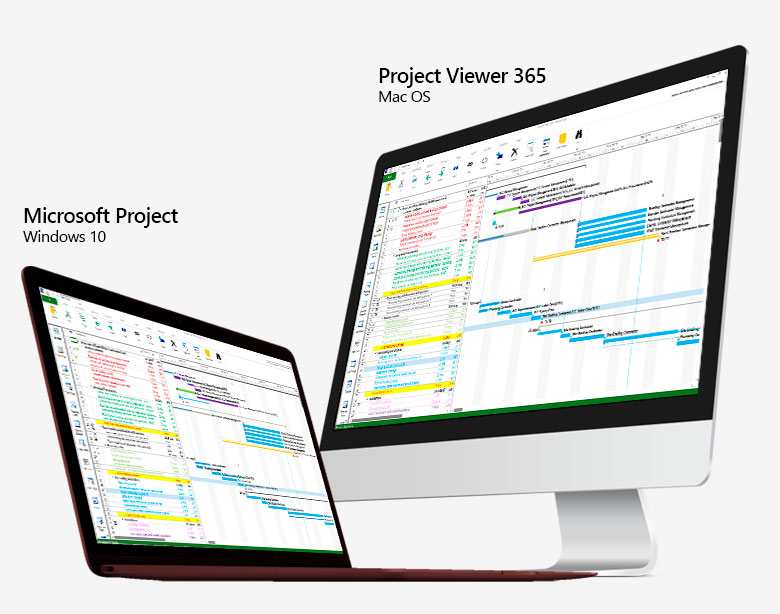
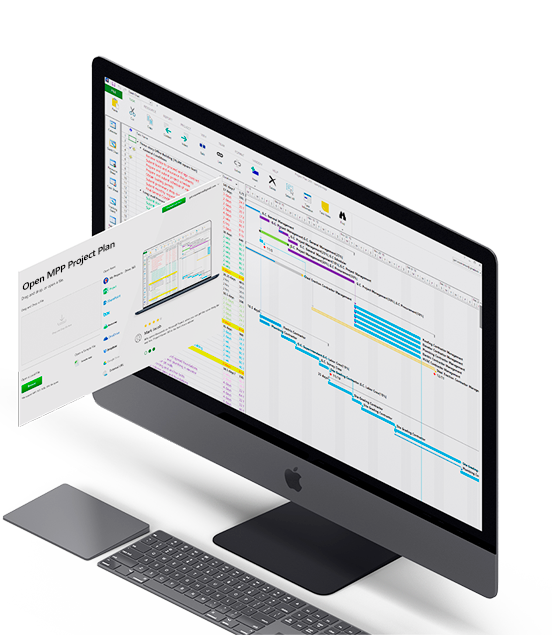
Housatonic Project Viewer 2010 is the leading viewer for Microsoft Project files allowing users to view, read, share and print Microsoft Project files (MPP files) without MS® Project installed on their desktop, laptop, tablet or server. With the lowest price and most comprehensive feature set, the Housatonic Project Viewer for Microsoft Project is the Microsoft Project "viewer" of choice for companies world-wide.

Buy Now
Project Viewer
Housatonic

Project Viewer 2010

Windows 7 Compatible
  • Desktop Microsoft Project "viewer"
  • Looks and feels exactly like Microsoft Project - no training necessary
  • Saves money by eliminating the need to purchase a full Microsoft Project license to simply open, view and print MPP files
  • Runs on Windows 7, XP, Vista, Windows Server/Citrix Environments
  • Reads MPP files in MS Project 2010, 2007, 2003, 2002, 2000, 98 formats
  • View project info from MS Project Server or MS Project Databases (Access, MS SQL)
  • More about Project Viewer 2010 >
Project Viewer Server
Housatonic

Project Viewer Server 2010

Online Project Viewer

Housatonic Project Viewer

  • Supports Microsoft Project 2010
  • Works on Windows 7, XP, 32/64 Bit
  • Compatible with earlier MS Project versions

Tip - Use Dropbox For Sharing Project Files

Teams and team members can make use of online storage services such as Dropbox for storing and sharing MS Project (MPP) files.

Featured Customer Success Story

On Project Viewer Forum (blog)

Ways To View Microsoft Project Files

With the Housatonic Project Viewer you can view Project (MPP) files:

  • From your PC or Laptop
  • From email attachments
  • On network drives
  • From MS SQL, MS Access and ODBC
  • In SharePoint
  • From a MS Project Server
  • From your external web site.
  • From Google Docs or Microsoft Office online.
  • From your corporate intranet (Sharepoint or other intranet apps).
book mark this page share on LinkedIn